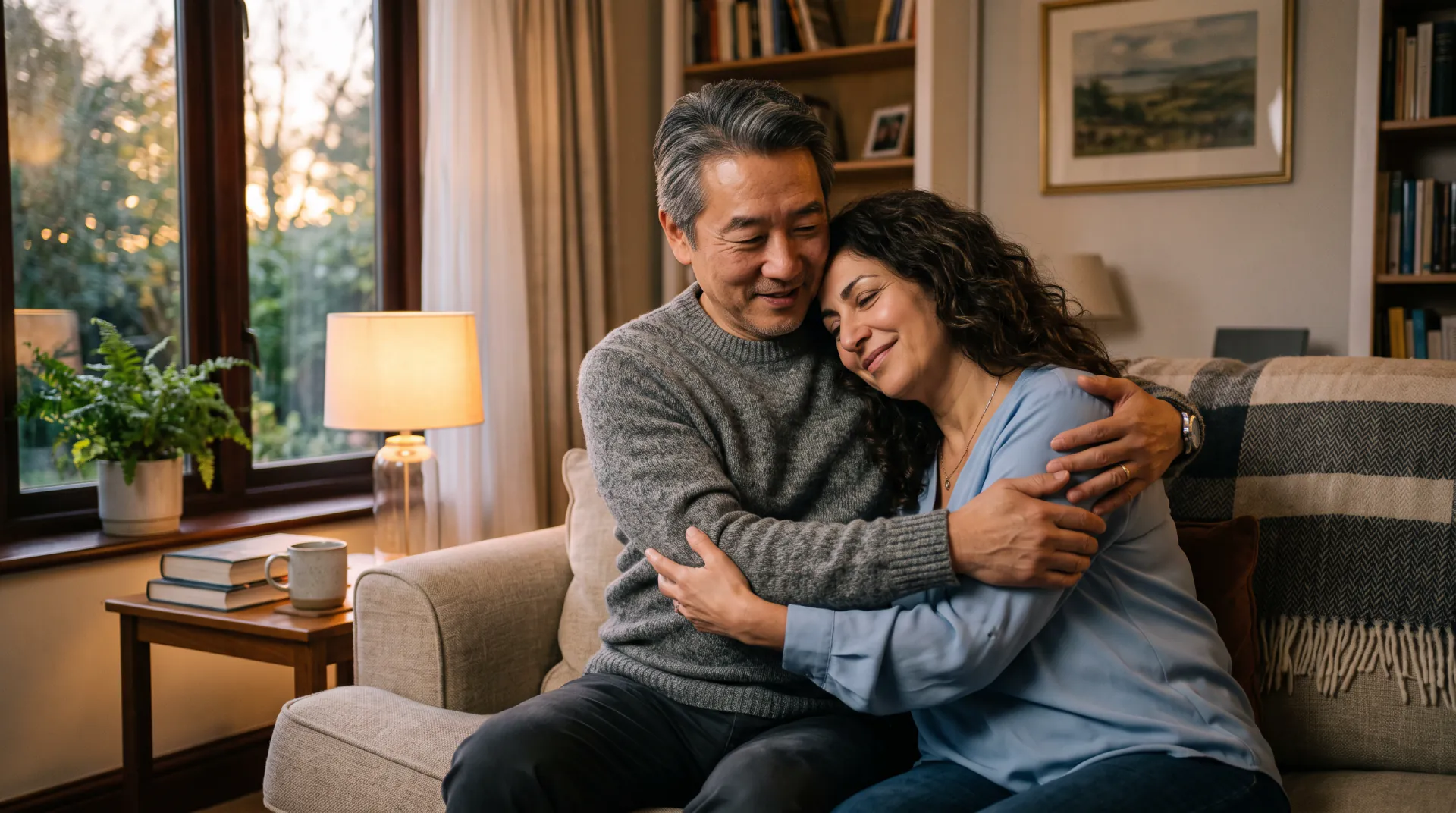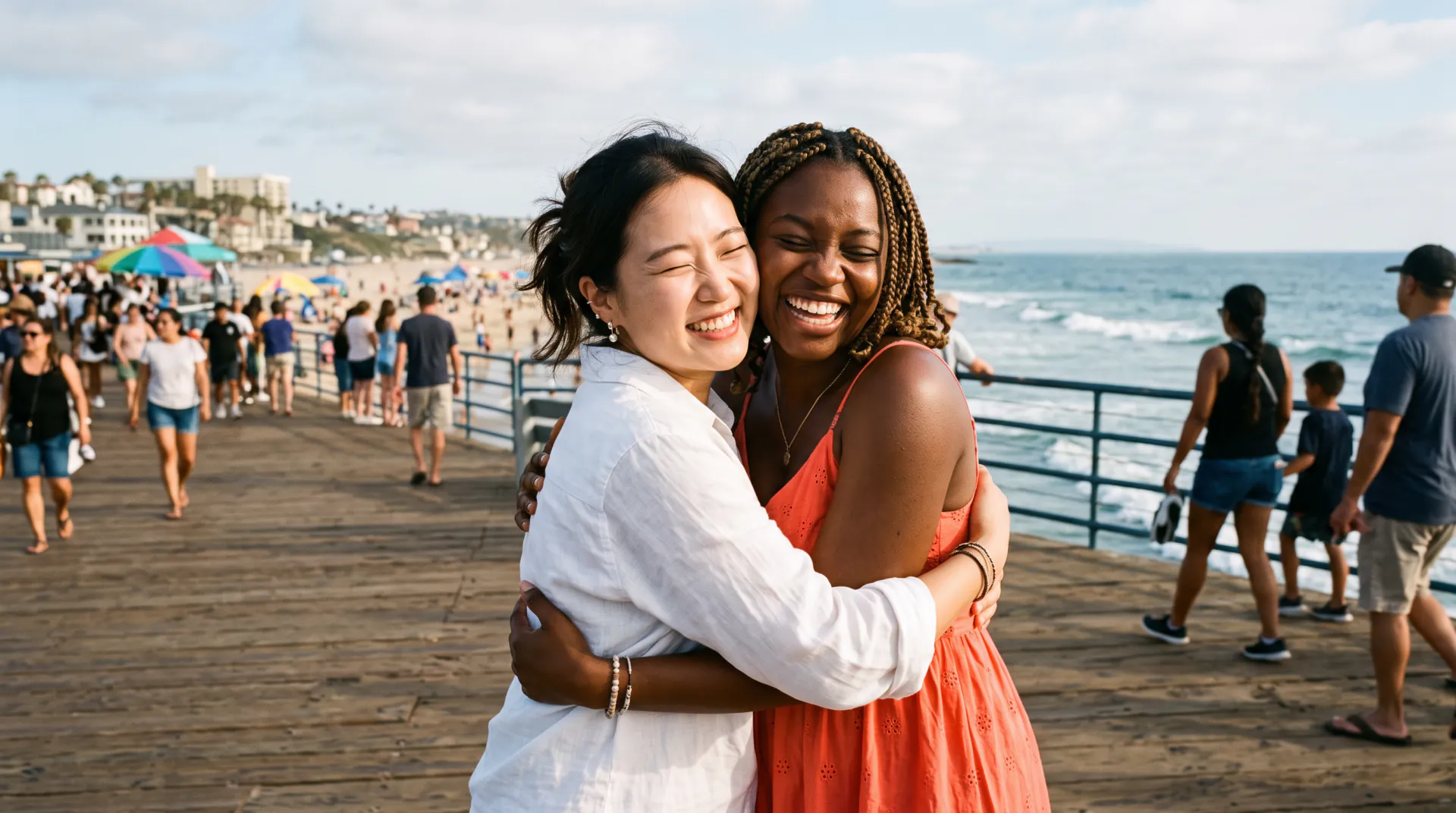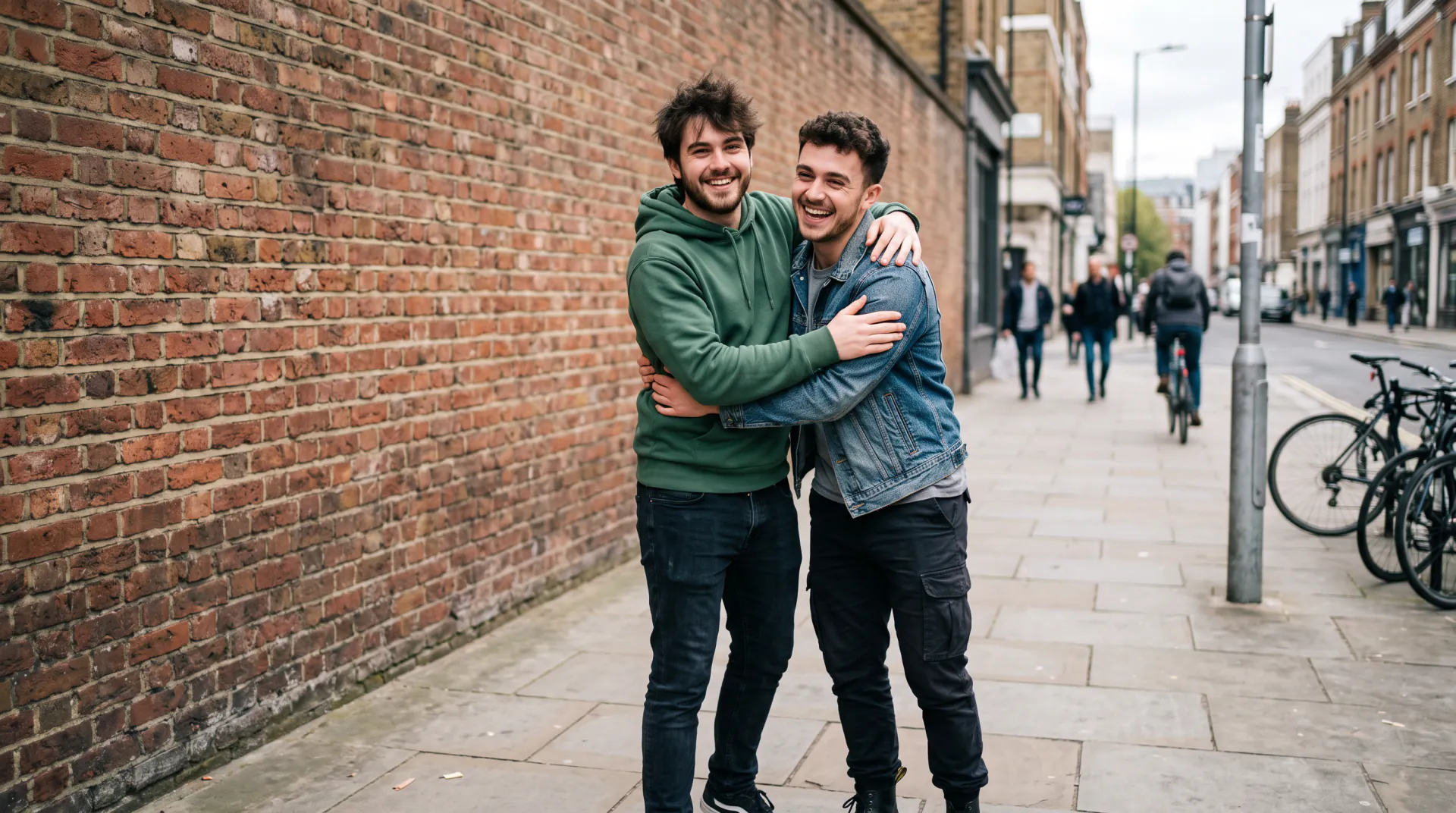
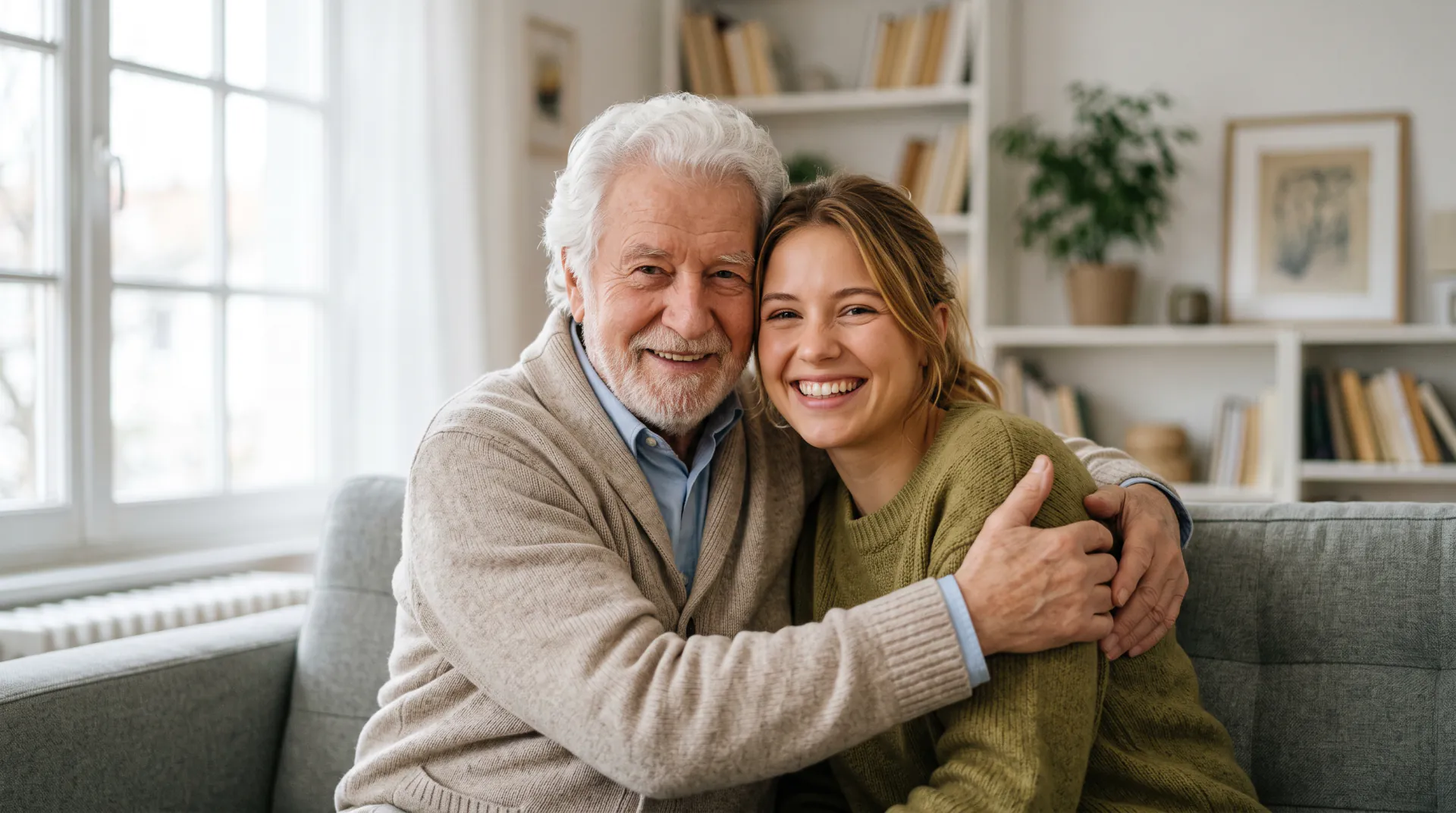
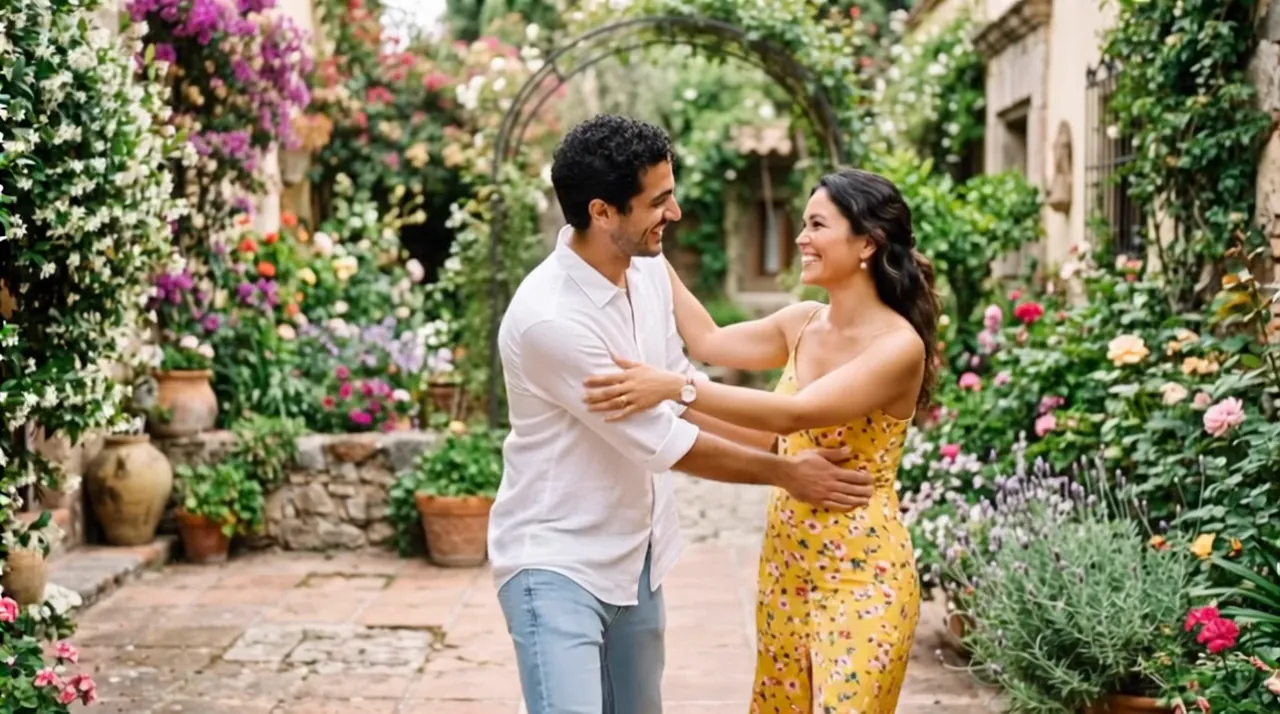
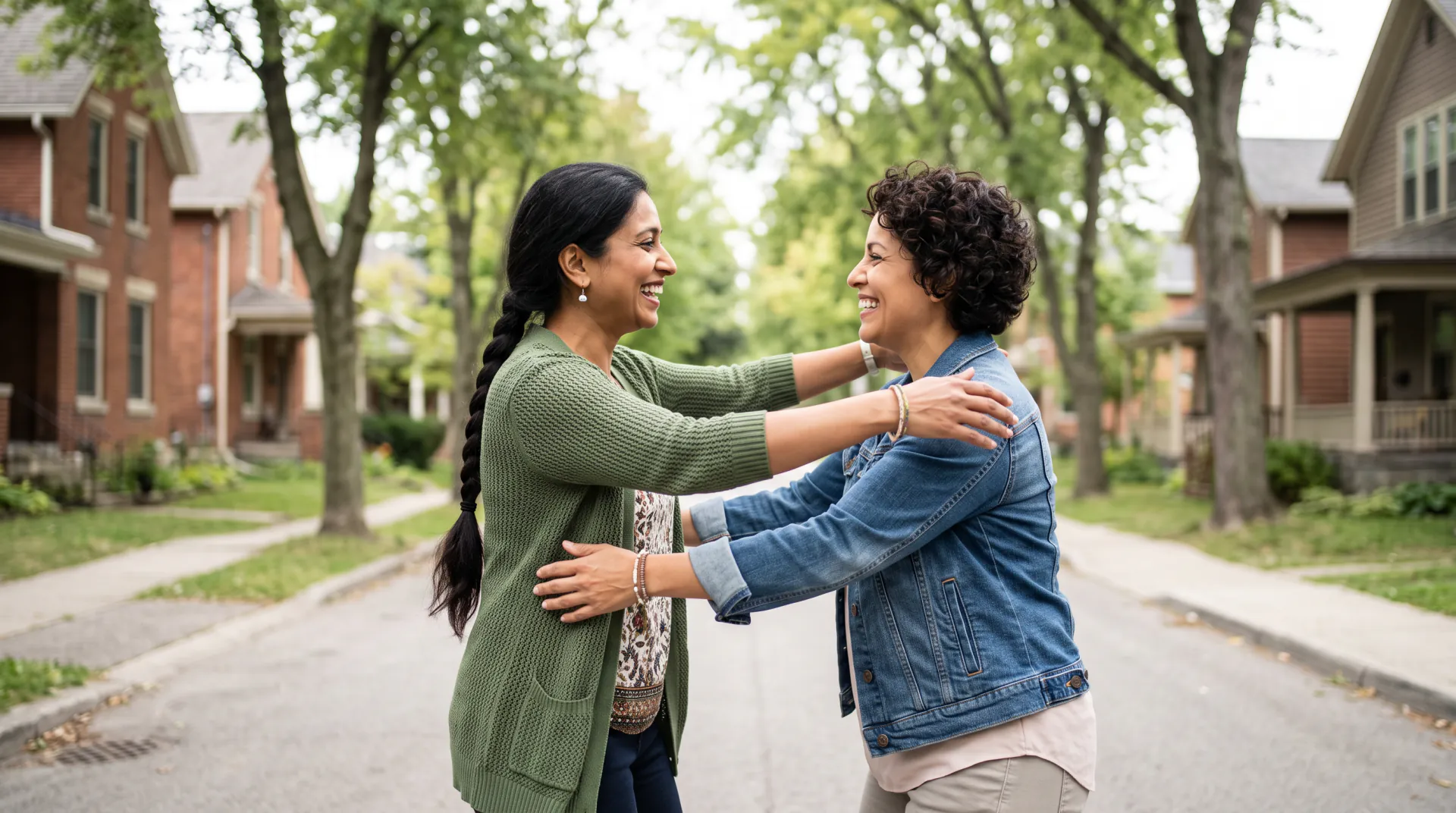

Two photos in, one hug out

AI Hug Video Generator

Upload a photo of each person, or one photo of both. They turn toward each other and share a warm, natural hug in a short video you can download and share.

  • First 5-second video free
  • Two photos or one
  • Faces taken from your photos
One photo of each person (up to 3), or one photo of both. PNG, JPEG or WebP, 10 MB each.
Try
Photos
Shape
Resolution
Length

150 credits

Buy credits

Add a photo to make the hug video

At a glance

AI Hug Generator makes a hug video from your photos: upload one photo of each person, or one of both, and download a 5 to 10 second MP4 of them hugging. Each second costs 30 credits; the first 5-second video is free for a new account, once per network (an IPv4 address or IPv6 /64) every 30 days.

Photos
One photo of each person (up to 3), or one photo of both; PNG, JPEG or WebP, 10 MB each
Price
30 credits per second; a 5-second video is 150 credits (about $1.36 to $1.50)
Free to try
First 5-second video free for a new account, once per network (an IPv4 address or IPv6 /64) every 30 days
Length
5, 8 or 10 seconds
Format
MP4 at 540p, 720p or 1080p; 9:16, 1:1 or 16:9 from separate photos, the photo's own shape from one photo
Checked
Prices and options as of November 9, 2026

What the AI hug generator does

  • 01

    Two photos become one hug

    Upload a photo of each person, even if they were taken years apart or in different cities. The video puts them in one scene and they hug.

  • 02

    Faces taken from your photos

    A built-in instruction asks the model to keep every face, hairstyle, age and outfit exactly as they appear in your photos.

  • 03

    One photo of both works too

    Already have a photo together? It becomes the first frame, and the two of them turn toward each other and hug.

  • 04

    Shaped for sharing

    Vertical 9:16 by default for phone stories and chats, with square and widescreen for posts and screens.

  • 05

    A short note is enough

    The hug is built in. Add the place or the mood in a few words, or tap one of the examples.

  • 06

    Price before you press Make

    The credit price shows before every video, and videos that fail are refunded automatically.

How to make a hug video

  1. 01

    Upload the photos

    One photo of each person, or one photo with both of them in it.

  2. 02

    Describe the moment

    Write a line about the place or mood, or tap an example. The hug itself is built in.

  3. 03

    Make and download

    Pick 5, 8 or 10 seconds and a shape, then download the MP4, usually within a few minutes.

How the AI hug generator works

With separate photos, the model reads each person's face, hair and clothes from the reference photos and builds a new scene with all of them in it. The people turn toward each other and share a warm, natural hug, with gentle motion and a steady camera.

With one photo of both people, your photo becomes the first frame, so the video opens on the exact picture you chose. The two of them then turn and hug, and the rest of the clip is generated.

Your words set the place, the light and the mood. The hug instruction is always added, so even a short line such as 'a sunny park' makes a hug video.

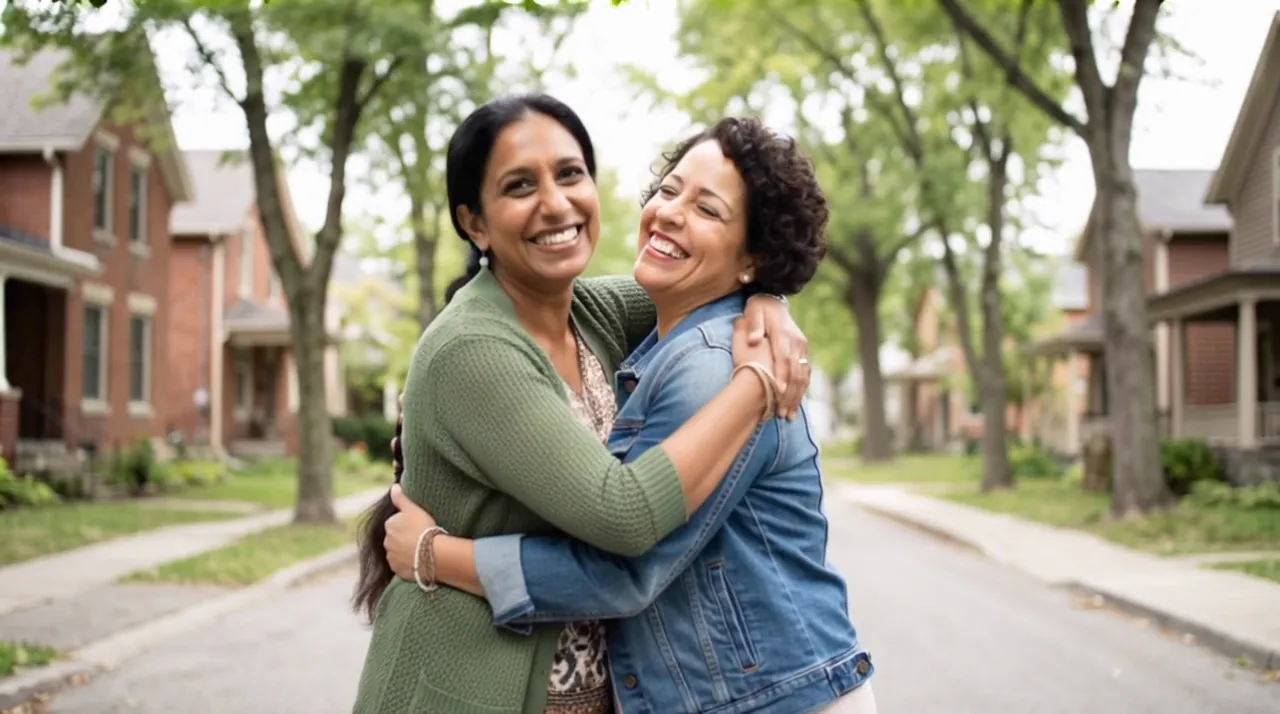
Photo tips for a natural hug

The model can only keep what it can see. Clear, well-lit photos of each face give the most faithful hug.

  • Faces sharp, well lit and turned roughly toward the camera
  • At least head and shoulders; waist-up photos give the arms room
  • Similar light and angle in both photos, so the scene looks like one moment
  • No sunglasses, masks, heavy filters or stickers over faces
  • One person per photo when you upload separate photos
  • In one photo of both, a little space between them so they can turn and hug

An AI recreation, not real footage

Every hug video is generated by an AI video model from your photos and your words. It is not a recording of a real moment, and small details such as hands or background faces may come out differently from life.

Upload only photos you have the right to use, and ask the people in them before you share the result. When you post it, say it was made with AI.

Two separate photos or one photo of both?

Both make the same hug and cost the same. Choose by the photos you have.

Two separate photosOne photo of both people
What you uploadOne photo of each person, up to 3One photo with everyone in it
Best whenThere is no photo of them together: long distance, old and new photosYou already have a photo of the couple, friends or family
How the video startsA new scene with everyone in itYour photo is the first frame
Shape9:16, 1:1 or 16:9The same shape as your photo
Price30 credits per second30 credits per second

Frequently asked questions

Which website can make two people in my photos hug?

AI Hug Generator does. Upload a photo of each person, or one photo of both, write a line about the moment and download a 5, 8 or 10 seconds MP4 of them hugging. The first 5-second video is free for a new account, once per network (an IPv4 address or IPv6 /64) every 30 days.

What photos work best?

Sharp, well-lit photos where each face is clearly visible and turned roughly toward the camera, at least head and shoulders. Avoid sunglasses, masks, heavy filters and very small faces in group shots.

Should I upload two photos or one?

Upload one photo of each person (up to 3) when there is no photo of them together; the video builds a new scene. Upload one photo of both when you have one; it becomes the first frame. Both cost the same.

How long is the video, and what format is it?

Choose 5, 8 or 10 seconds at 540p, 720p or 1080p. Separate photos give a 9:16 vertical video by default, or square or widescreen; one photo keeps its own shape. You download an MP4.

How much does a hug video cost?

30 credits per second: 150 credits for 5 seconds, 240 for 8 and 300 for 10. Five seconds comes to about $1.36 to $1.50 depending on the pack or plan; packs start at $9.99. Failed videos are refunded.

Is the first hug video free?

Yes. A new account gets 150 credits, enough for one 5-second video, once per network (an IPv4 address or IPv6 /64) every 30 days. Later accounts from the same network get no free credits; after that, buy a credit pack or a plan.

What happens to my photos?

Your photos are stored at long, unlisted links so the model can read them, and your videos are listed only in your account. We keep them while your account is open, with no automatic deletion schedule, and delete them, or your whole account, when you ask at [email protected].

Can ChatGPT make a hug video from my photos?

Not as a video file. ChatGPT can help you write the description and can make still images, but it does not export a video clip of the people in your photos hugging. Write or paste the prompt here, upload the photos and download the MP4.

Is the hug video real footage?

No. It is an AI recreation made from your photos, not a recording of a real moment. Upload only photos you have the right to use, and say it was made with AI when you share it.

Make your first hug video

Upload two photos, or one of both, and write a line about the moment. The first 5-second video is free for a new account, once per network (an IPv4 address or IPv6 /64) every 30 days.

Last updated November 9, 2026

Create your account