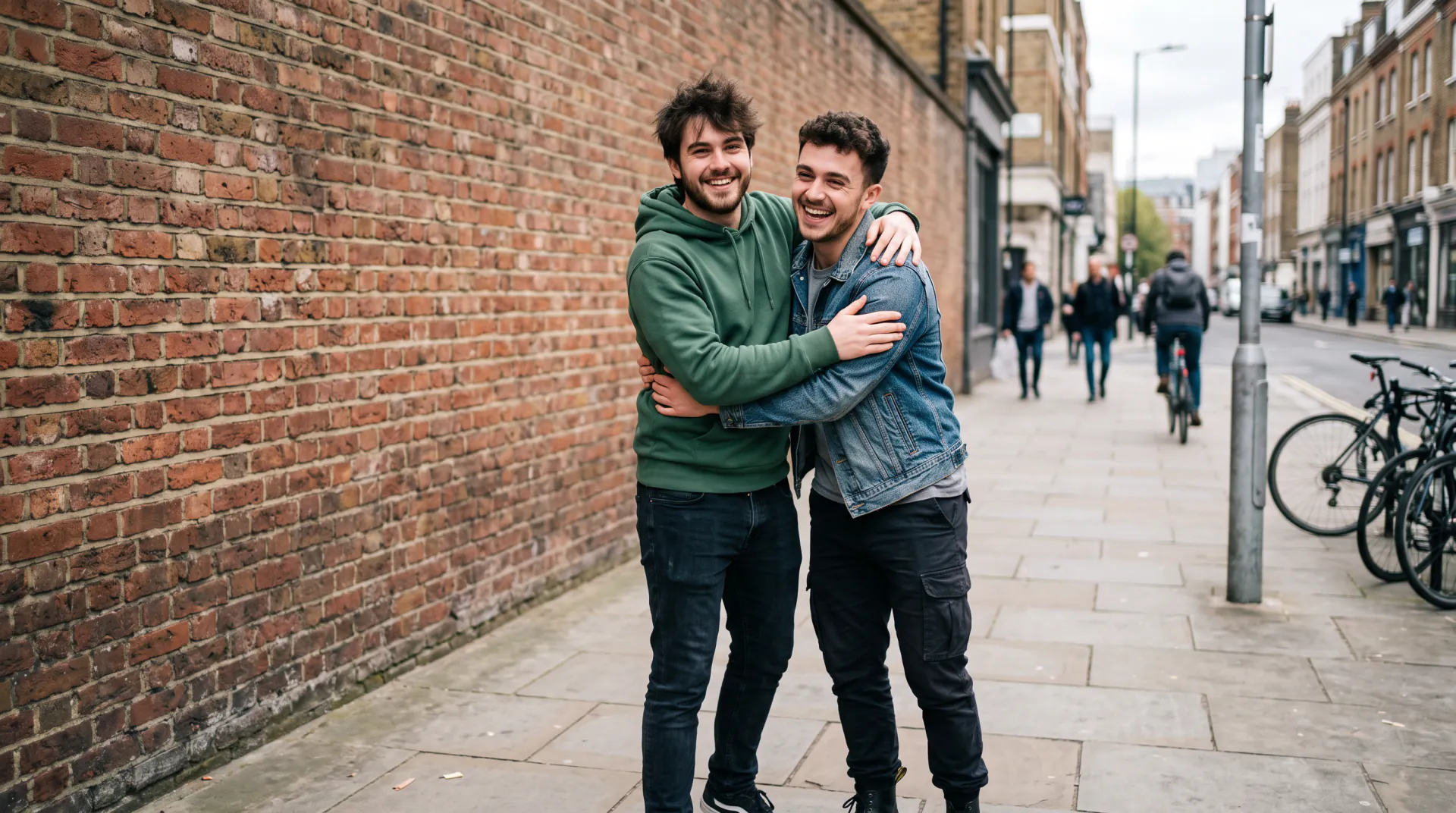
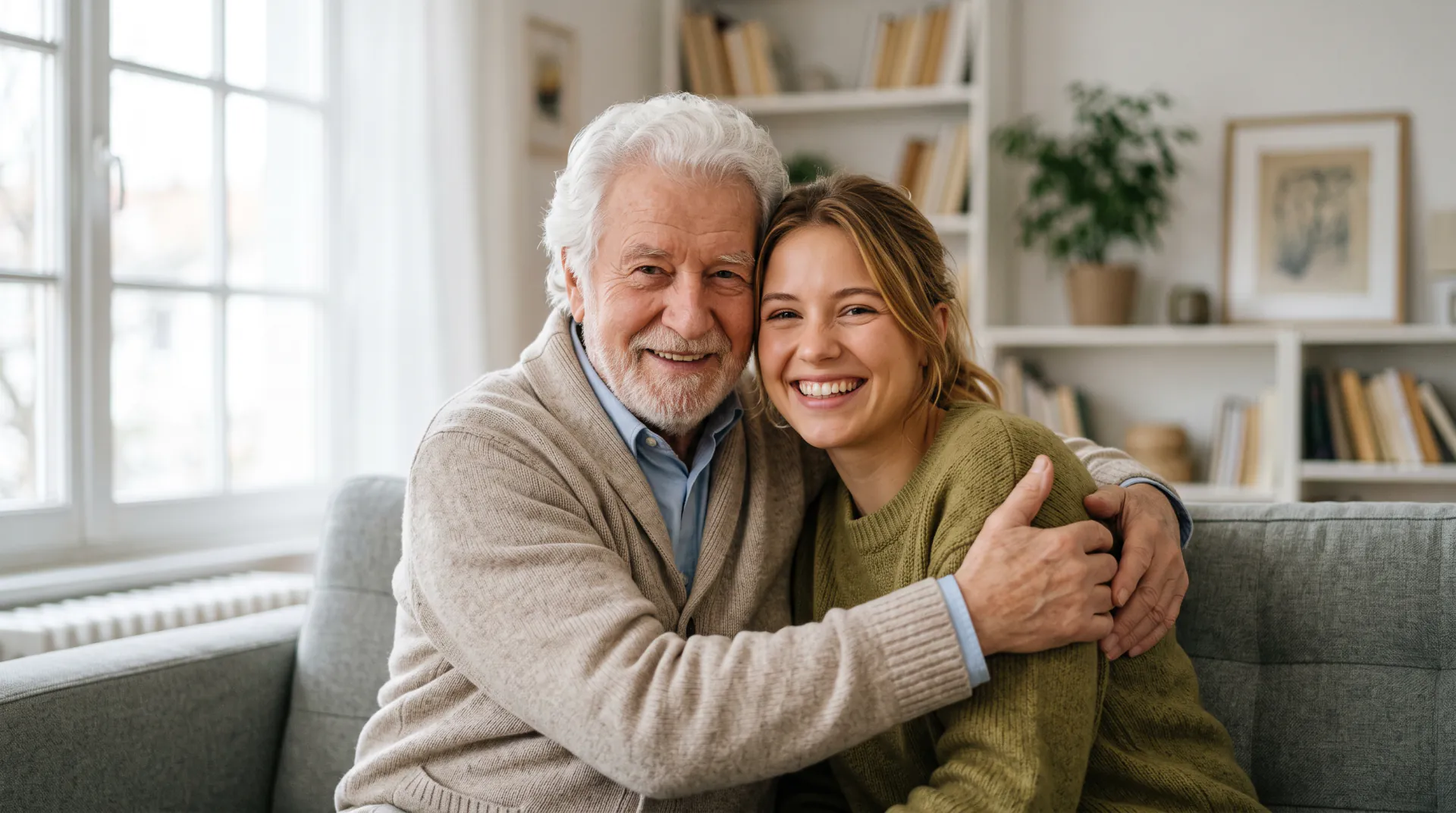
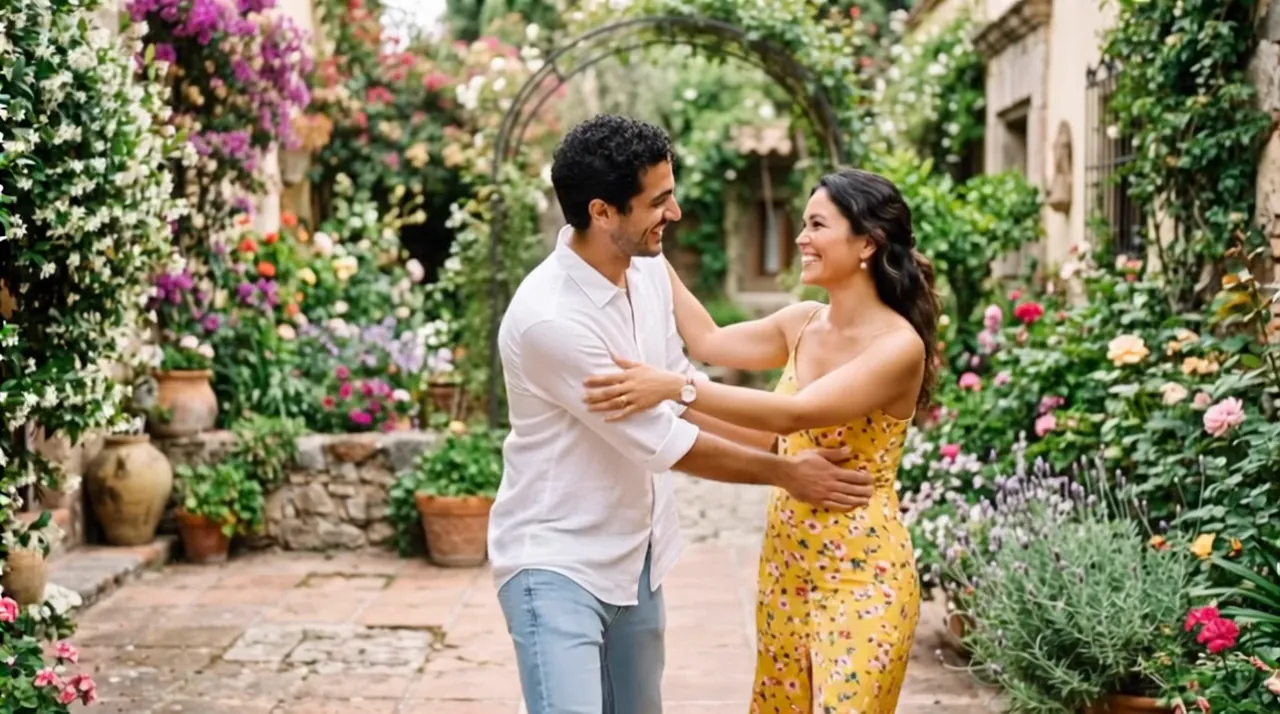

Two photos, one scene

Make a hug video from two photos

Upload a photo of each person, even if the photos were taken years apart. The video puts them side by side in one scene, and they turn and hug.

  • First 5-second video free
  • Faces taken from your photos
  • 5, 8 or 10 seconds
One photo of each person (up to 3), or one photo of both. PNG, JPEG or WebP, 10 MB each.
Try
Photos
Shape
Resolution
Length

150 credits

Buy credits

Add a photo to make the hug video

At a glance

To make a hug video from two photos, upload one photo of each person, add a line about the place, and download a 5 to 10 second MP4 of them hugging. Each second costs 30 credits; the first 5-second video is free for a new account, once per network (an IPv4 address or IPv6 /64) every 30 days.

Photos
One photo of each person, up to 3; PNG, JPEG or WebP, 10 MB each
Price
30 credits per second; a 5-second video is 150 credits (about $1.36 to $1.50)
Free to try
First 5-second video free for a new account, once per network (an IPv4 address or IPv6 /64) every 30 days
Format
MP4 at 540p, 720p or 1080p; 9:16, 1:1 or 16:9, vertical by default

Two separate photos, one hug

  • 01

    No photo together needed

    Each person comes from their own photo, so it works for people who live far apart or were never photographed together.

  • 02

    One new scene

    The model builds a single scene from your description and places everyone in it, in matching light.

  • 03

    Up to three people

    Add a third photo for a small group hug; 3 photos is the most one video takes.

How to make a hug video from two photos

  1. 01

    Choose Two separate photos

    It is the first option in the generator, and the default on this page.

  2. 02

    Upload both photos

    One clear photo of each person, face visible, head and shoulders at least.

  3. 03

    Describe the place and make it

    A line about where they meet is enough; download the MP4 when it is ready.

Why two photos work

The separate-photo option treats each photo as a reference for one person. It keeps their face, hair, age and clothes, then renders a new moment in which they stand together, turn toward each other and hug.

Because the scene is new, the backgrounds of your photos do not matter. Light and angle matter more: two photos taken in similar light, at a similar distance, give the most natural result.

Photo tips for a natural hug

The model can only keep what it can see. Clear, well-lit photos of each face give the most faithful hug.

  • Faces sharp, well lit and turned roughly toward the camera
  • At least head and shoulders; waist-up photos give the arms room
  • Similar light and angle in both photos, so the scene looks like one moment
  • No sunglasses, masks, heavy filters or stickers over faces
  • One person per photo when you upload separate photos
  • In one photo of both, a little space between them so they can turn and hug

An AI recreation, not real footage

Every hug video is generated by an AI video model from your photos and your words. It is not a recording of a real moment, and small details such as hands or background faces may come out differently from life.

Upload only photos you have the right to use, and ask the people in them before you share the result. When you post it, say it was made with AI.

Two-photo hug FAQ

Can the two photos be from different years?

Yes. Each person keeps the age shown in their own photo, so an old and a new photo meet as they are. Similar light and framing make the hug look more natural.

Does the background of each photo matter?

Not much. The video builds a new scene from your description, so busy backgrounds are left behind. A clear, well-lit face matters most.

Can I add a third person?

Yes. The separate-photo option takes up to 3 photos, one per person, for a small group hug at the same price per second.

Bring two photos together

Upload a photo of each person and describe where they meet.

Last updated November 9, 2026

Create your account