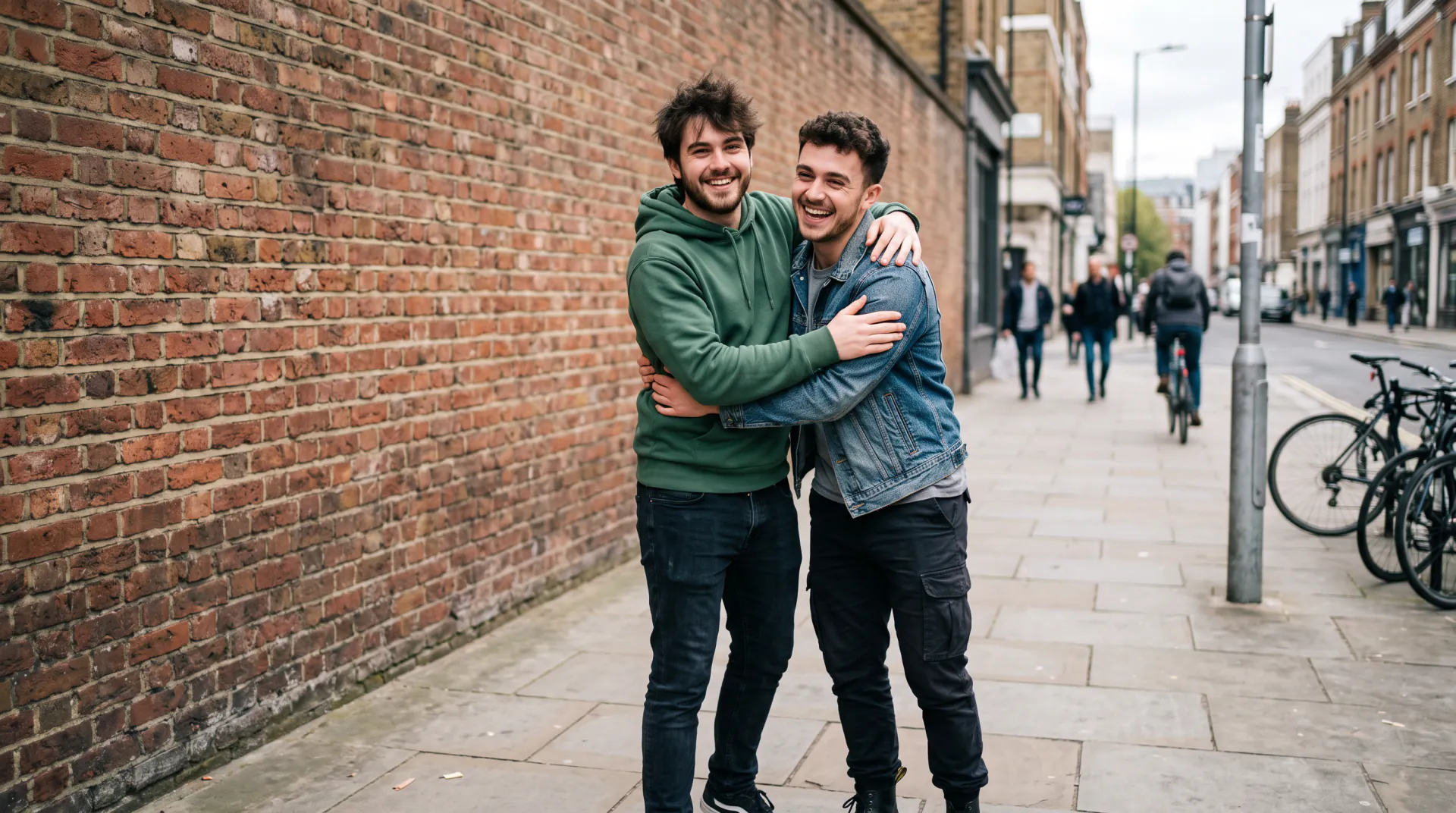

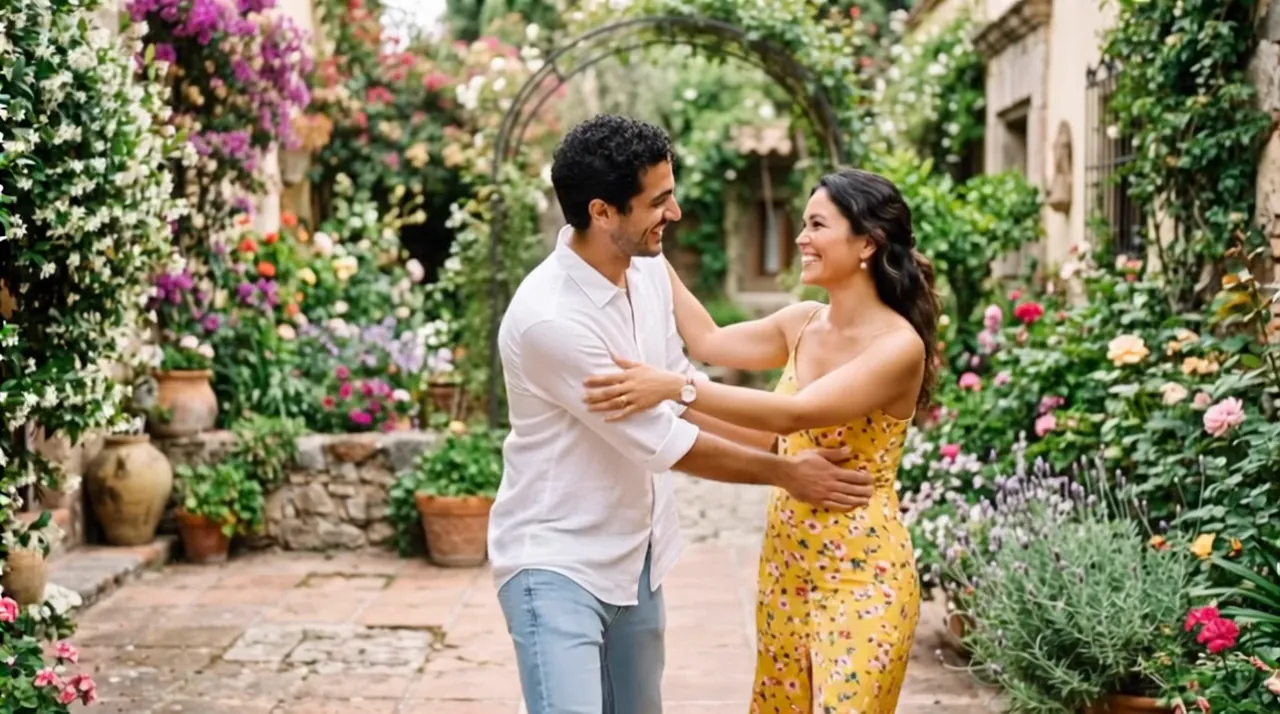

For the two of you

Make a couple hug video from your photos

Use a photo of the two of you, or one photo each. The video shows you turning toward each other and sharing a warm, natural hug.

  • First 5-second video free
  • Faces taken from your photos
  • 5, 8 or 10 seconds
One photo of each person (up to 3), or one photo of both. PNG, JPEG or WebP, 10 MB each.
Try
Photos
Shape
Resolution
Length

150 credits

Buy credits

Add a photo to make the hug video

At a glance

AI Hug Generator makes a couple hug video from one photo of you together, or one photo of each of you: describe the place and download a 5 to 10 second MP4. Each second costs 30 credits; the first 5-second video is free for a new account, once per network (an IPv4 address or IPv6 /64) every 30 days.

Photos
One photo of the couple, or one photo of each of you
Price
30 credits per second; a 5-second video is 150 credits (about $1.36 to $1.50)
Free to try
First 5-second video free for a new account, once per network (an IPv4 address or IPv6 /64) every 30 days
Length
5, 8 or 10 seconds

A hug for any couple

  • 01

    Anniversaries and surprises

    Turn a favorite photo of the two of you into a short video to send on an anniversary or a birthday.

  • 02

    Long-distance couples

    No photo together yet? Upload one photo of each of you and the video brings you into one scene.

  • 03

    Your look, kept

    The built-in instruction asks for your faces, hair and outfits as in the photos; your words choose the place and the light.

How to make a couple hug video

  1. 01

    Pick the option

    One photo of both people, or two separate photos.

  2. 02

    Upload and describe

    Add the photo or photos and write where the hug happens.

  3. 03

    Download and send

    Save the MP4 and add your own message when you share it.

Choosing a couple photo

For one photo of both of you, pick one where you stand side by side or face each other with both faces visible. A little space between you gives the video room to turn you toward each other.

For separate photos, choose two with similar light, ideally from the waist up. Selfies work if the face is sharp and not too close to the lens.

Photo tips for a natural hug

The model can only keep what it can see. Clear, well-lit photos of each face give the most faithful hug.

  • Faces sharp, well lit and turned roughly toward the camera
  • At least head and shoulders; waist-up photos give the arms room
  • Similar light and angle in both photos, so the scene looks like one moment
  • No sunglasses, masks, heavy filters or stickers over faces
  • One person per photo when you upload separate photos
  • In one photo of both, a little space between them so they can turn and hug

An AI recreation, not real footage

Every hug video is generated by an AI video model from your photos and your words. It is not a recording of a real moment, and small details such as hands or background faces may come out differently from life.

Upload only photos you have the right to use, and ask the people in them before you share the result. When you post it, say it was made with AI.

Couple hug video FAQ

Can I use one photo of us together?

Yes. Choose One photo of both people; your photo becomes the first frame and you turn toward each other and hug. The video keeps the shape of your photo.

We don't have a photo together. Does it still work?

Yes. Choose Two separate photos and upload one photo of each of you; the video places you in one new scene before the hug.

Can it add our names or a message to the video?

No. Video models draw text unreliably, so the site does not add names or captions. Add your message when you send or post it.

Send a hug that moves

Upload your couple photo, or one of each of you, and describe the moment.

Last updated November 9, 2026

Create your account